
AI Clothes Changer for Any Photo
AI Clothes Changer
Change the clothes in a photo — upload one person photo and one garment to preview new clothes.
Change Clothes in Any Photo
It is free to try — 20 credits at Google sign-up. Preview costs 10 credits for one image; Studio costs 20 credits for up to four variations. No card required.
Clothing-only · Adults only (18+) · Google data never used in image generation
Bring a photo of yourself and the piece you want to see on it.
1 · Your photos
Prompts are only used by Pro. Preview and Studio take a garment reference only.
AI Clothes Changer is a browser-based studio for AI clothes restyling and virtual try on. Bring a portrait and a garment reference, and see the new clothes on the same person, in the same light. It only ever changes clothing — generating nudity, sexual, or non-consensual intimate imagery is prohibited and blocked.
What Problem Does AI Clothes Changer Solve?
Four kinds of people open this editor, for four different reasons. Find the one that matches your own.
Ecommerce sellers & brands
Your catalog needs on-model photos, but every new garment means another shoot day, another model, another studio.
Photograph the model once, then attach each product photo in turn and build the whole range from that one frame.
generate on-model imagesContent creators
You want to post a different outfit every day, but you only have the clothes in your closet and no photographer on call.
Reuse one good photo of yourself and restyle the outfit on it — a fresh look per post without restocking or reshooting.
restyle a full outfitOnline shoppers
A garment looks right on the model in the listing, but you cannot tell how it will sit on your own body, in your own photo.
Put the piece on your own photo before you buy, so the silhouette and color are judged on you rather than on a stranger.
try a garment on your photoStylists & designers
You want to show a client three directions for the same look, but pulling every piece to photograph it is not practical.
Keep the person and the scene fixed, swap the garments, and lay the options side by side before anything is pulled from the rack.
swap outfits between photos
No Editing Skills Required — Just Two Photos
Nothing to install and no editing skill to pick up — it runs in a browser tab. Add a portrait and a garment photo, then press Generate. If you can upload a photo, you can run an AI clothes swap — on desktop or straight from your phone. For the shopping-shaped version, use the virtual try-on tool.
- Google sign-up includes 20 free credits, with no card required.
- Runs in the browser on desktop and phone, with nothing to download.

Swap a Full Suit at Once — Jacket, Trousers, and Tie
Upload a garment reference showing the look you want to preview. The model is designed to adapt the referenced clothing to the person in your photo, so you can compare a coordinated set without a series of manual edits. Small accessories, footwear, and fine details may differ from the reference.
- Use one garment reference to guide each generation.
- Check the fit, body proportions, and accessories in every result.

Natural, True-to-Life Clothing Fit
A clothes change only works if it looks real. The tool focuses on the details that usually give AI edits away: how fabric folds at the shoulders, where a collar sits, how a sleeve wraps the arm. It matches lighting and body angle so the new clothes drape the way real cloth would, instead of looking pasted on. The result holds up at full size, not just as a thumbnail, so you can post it or print it without second-guessing the edit.
- Designed to preserve garment texture, folds, and the source lighting.
- Review ribbing, stripes, seams, and other fine details for changes.

Designed to Preserve the Face, Pose, and Background
The editor is designed to replace clothing while preserving the person and scene. Use one portrait to compare several clothing options, then check each generated result against the original. Faces, hands, lighting, and background details can change during generation.
- Designed to preserve facial features, body proportions, and the original pose.
- Review the person, garment details, and scene before saving or sharing.

Generate a Preview and Check the Result
Upload the two reference images, choose a mode, and follow progress in the editor. Processing time depends on the mode, number of variations, and service demand. When the result is ready, compare it with your source photos and check for changes to the person or garment details.
- One pass covers the masking, edge work, and clean-up you would otherwise do by hand.
- Download the generated image after reviewing it at full size.

Preset Looks
Try a Preset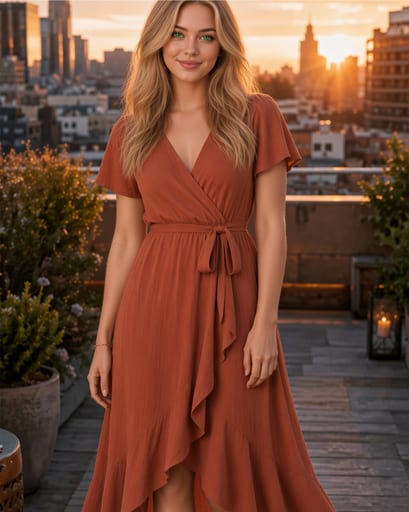
Explore Fabric and Drape
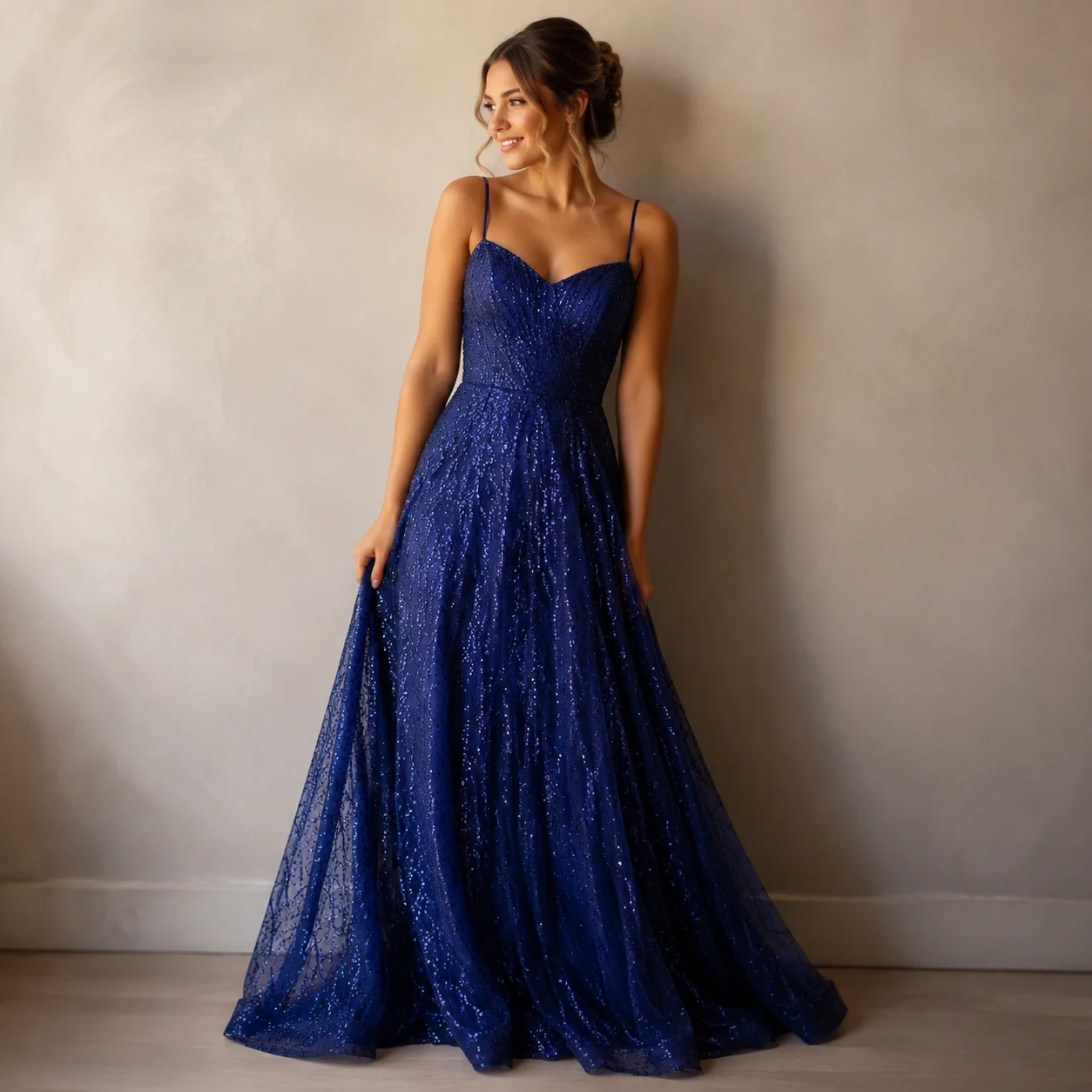
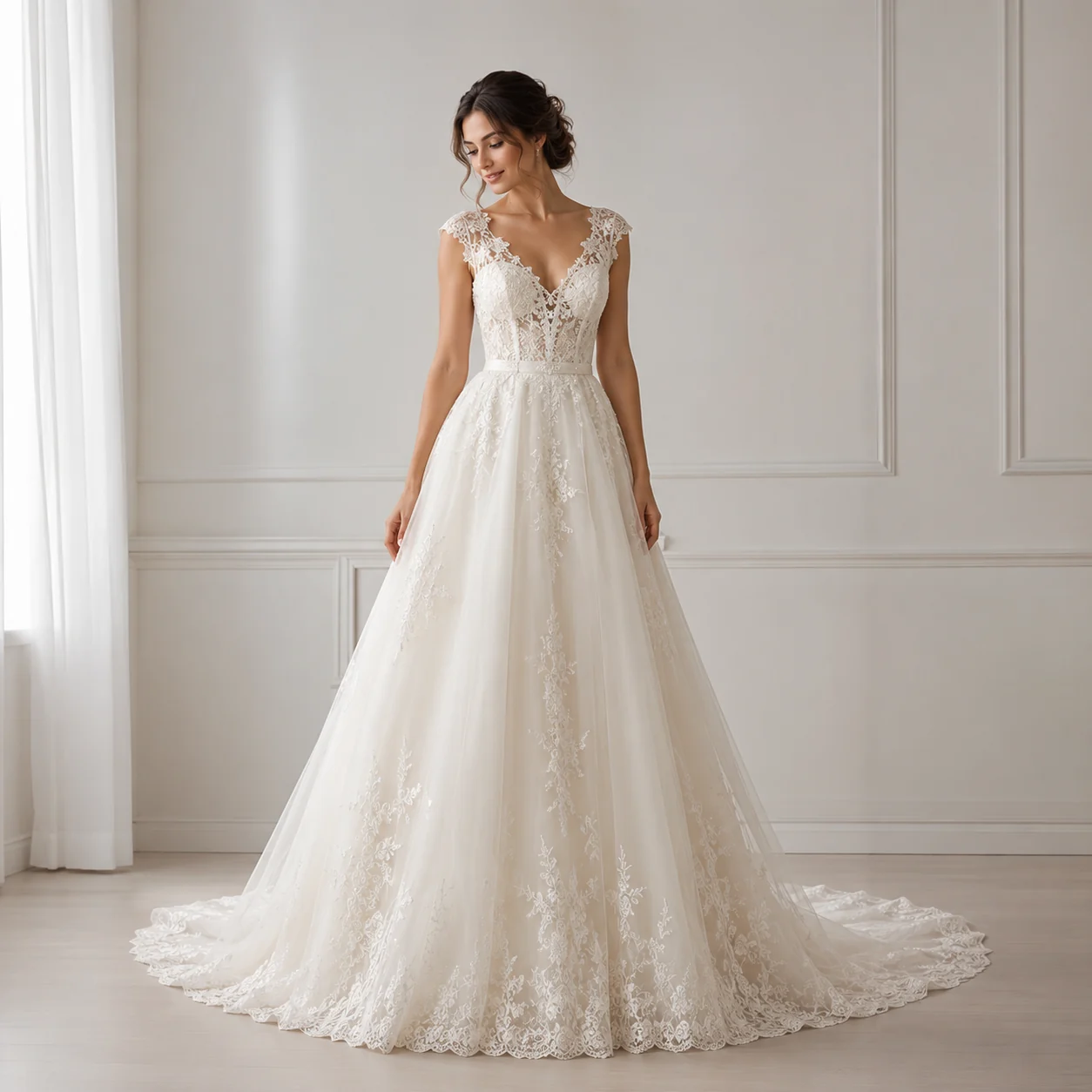
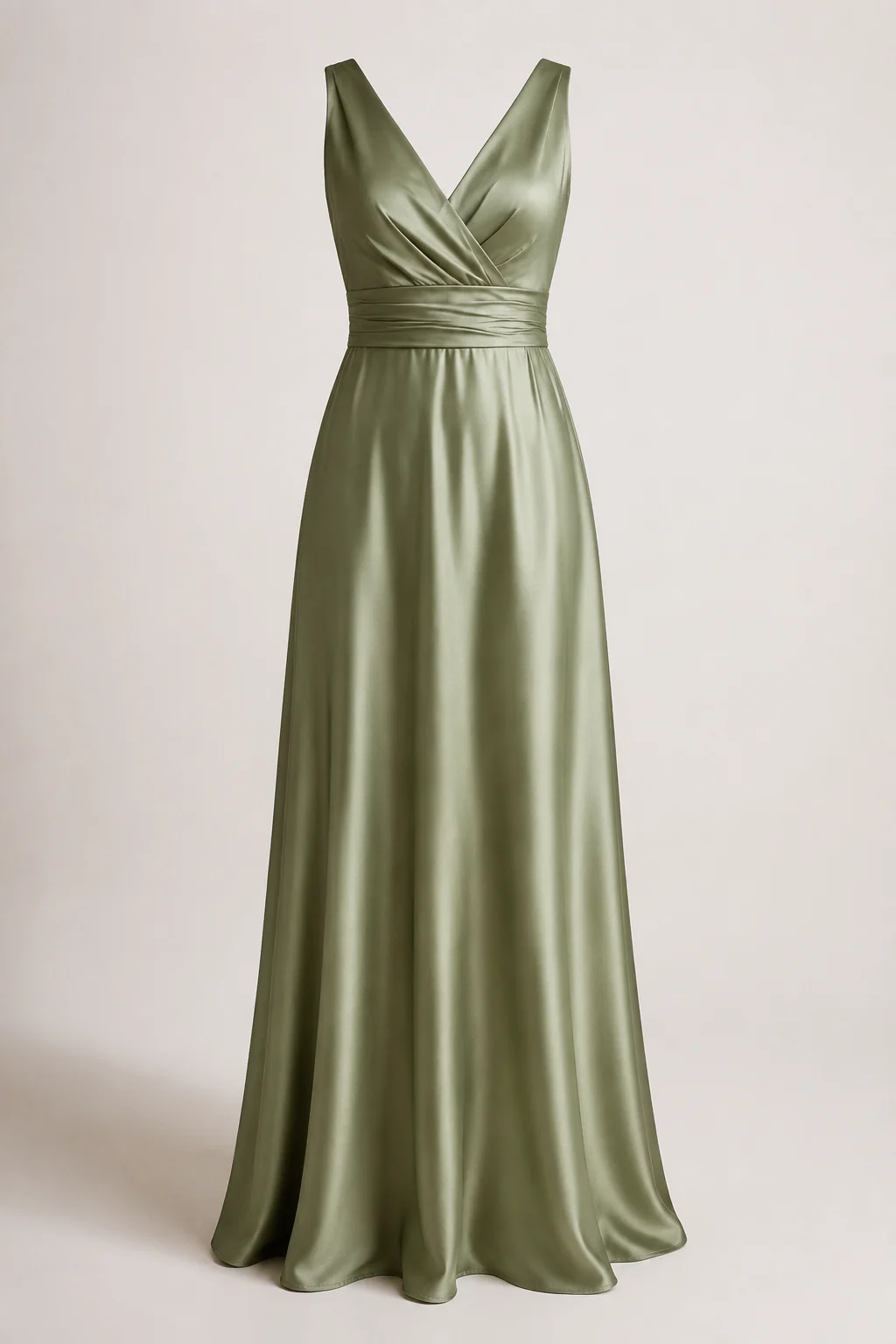
Preview a wrap front, knotted waist, or ruffled hem, then compare the fabric shape and folds with your garment reference.
From a Product Shot
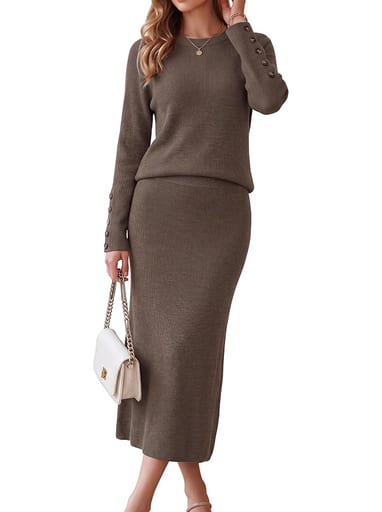
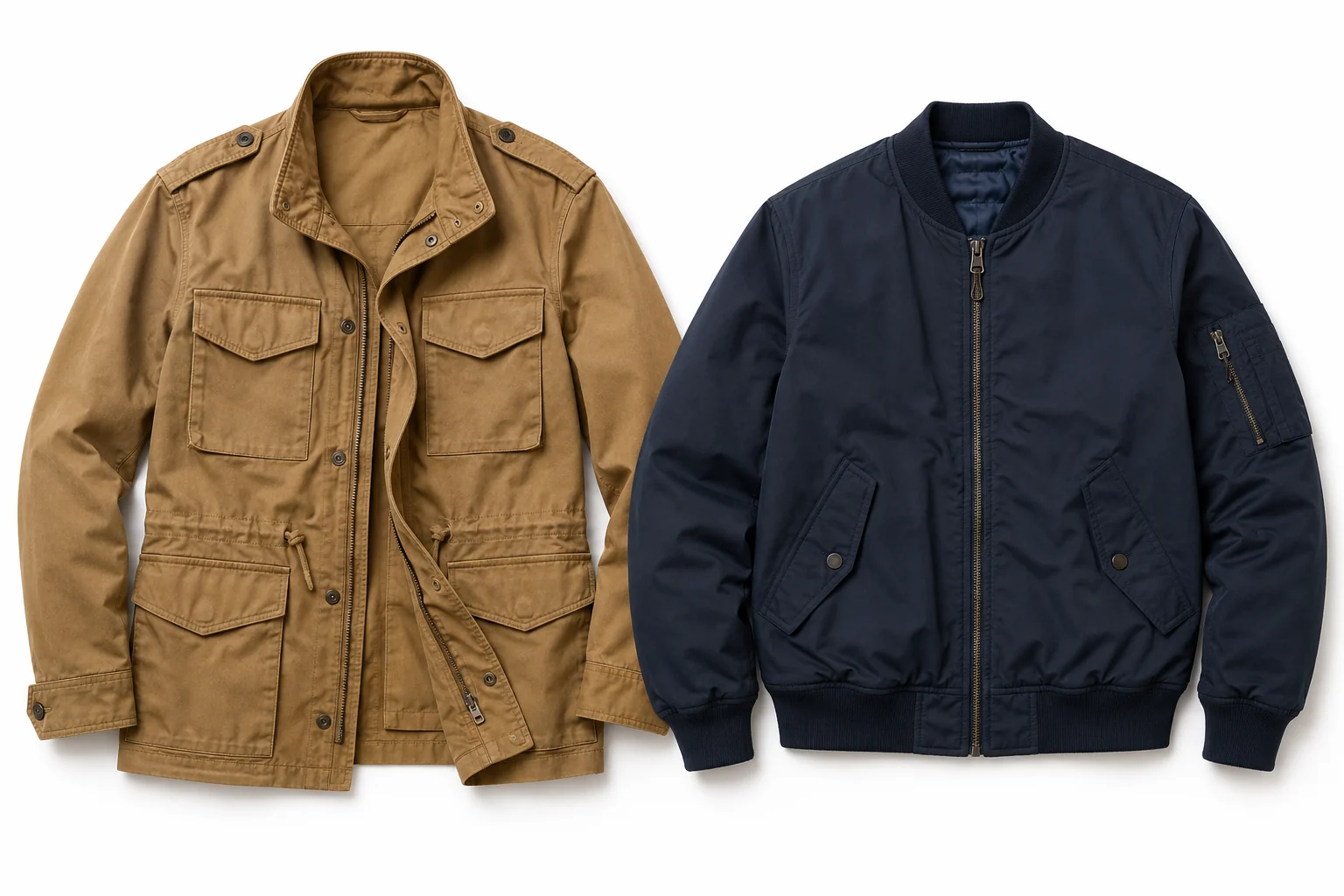
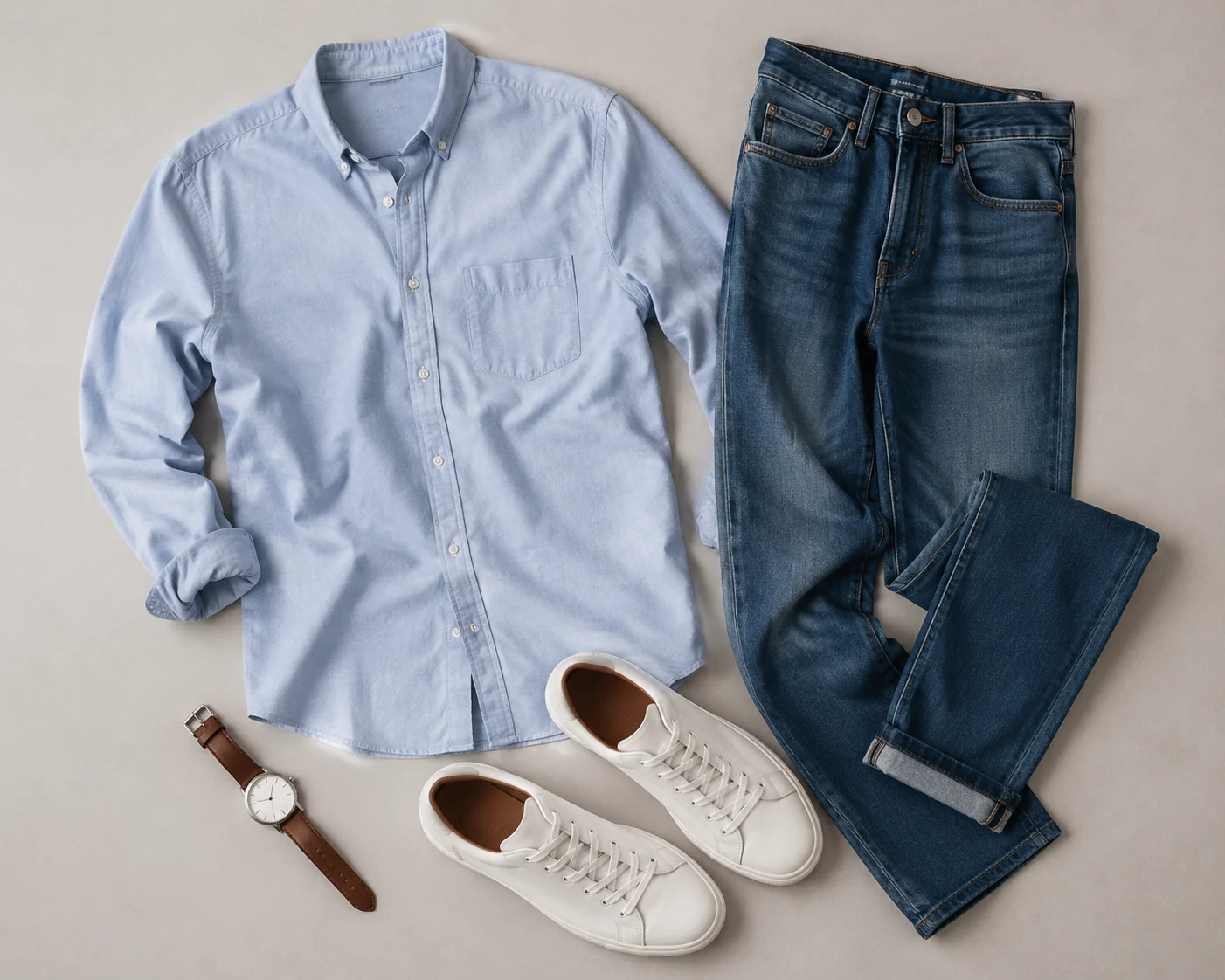
A plain product shot on white — seams, buttons, and ribbed texture read clearly enough to work as a garment reference.
Inspect Patterns and Stitching
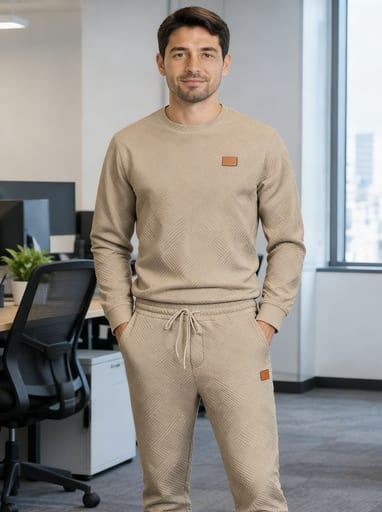
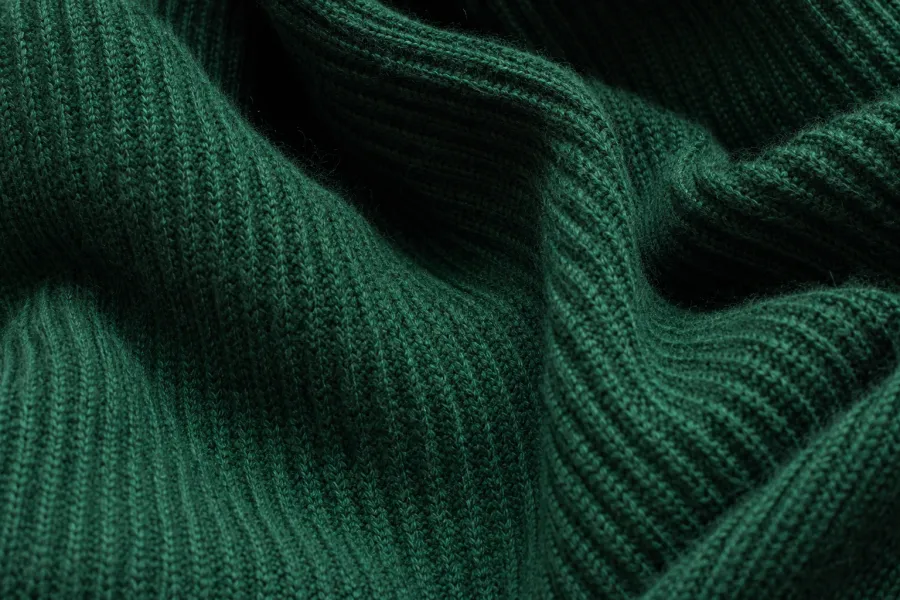
Try quilted textures, ribbed cuffs, or small trim details. Fine patterns and stitching may change during generation, so inspect them before publishing.
What People Try On Most
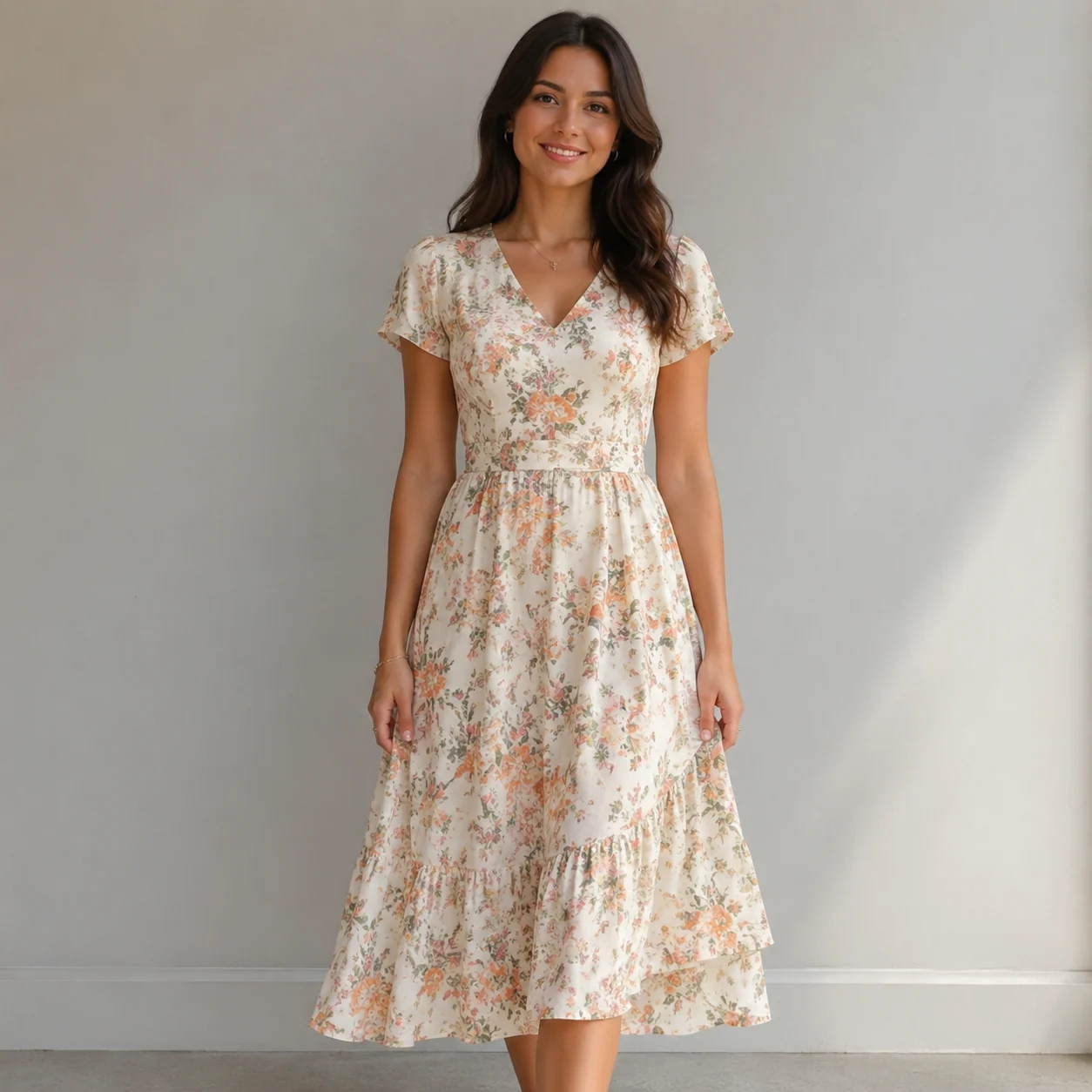
Pick a starting point and go — every tile opens the same studio, with that look already in mind.

How to Change Clothes in a Photo
Add a Photo
Drop in one clear portrait. There is nothing to crop, mask, or resize first — the editor prepares the image for you.
Pick the Look
Attach a garment photo, then press Generate. The model reads the reference and rebuilds the clothing in place.
Save the Result
The finished image arrives with a download link and a copyable URL, and it stays in your history so you can pull it up again later.
Affordable Pricing
Change any outfit, in any photo. Pick a plan and start generating.
Starter
Occasional outfit changes, full quality.
- 400 credits per month
- Up to 40 Preview or 20 Studio / Pro generations
- Preview 10 · Studio 20 (up to 4 images) · Pro 20 (prompt-guided)
- Commercial use license
Plus
For regular styling and content work.
- 1,200 credits per month
- Up to 120 Preview or 60 Studio / Pro generations
- Preview 10 · Studio 20 (up to 4 images) · Pro 20 (prompt-guided)
- Commercial use license
Pro
Highest allowance for teams and heavy production.
- 2,800 credits per month
- Up to 280 Preview or 140 Studio / Pro generations
- Preview 10 · Studio 20 (up to 4 images) · Pro 20 (prompt-guided)
- Lowest cost per credit
- Commercial use license
Three plans, one balance. Every plan unlocks all three modes — Preview, Studio, and Pro.
Cancel anytime — no lock-in contract · Payments handled by Dodo Payments — Visa, Mastercard, Amex, and Apple Pay.
Frequently Asked Questions
Start with a single person, shot straight on in soft, even light, with the top you plan to replace visible down to the hips. A phone snap against a plain wall is usually enough. Avoid backlight, motion blur, and shadow falling across the torso. For the garment, one clean product or flat-lay photo beats a screenshot of someone wearing it in a crowd — seams, collars, and fabric weight need to be readable on their own.
It depends on the queue and the mode. Preview returns a single image and is the faster of the two; Studio renders up to four variations and takes longer. The editor shows a running timer while the job is in flight, and finished images land in your history automatically.
Yes — everything runs in the mobile browser on iOS Safari and Android Chrome, with nothing to install. You can take a photo on the spot or pull one from the camera roll, and the editor is laid out for one-handed use.
The editor is designed to preserve garment details and adapt the clothing to the source pose and lighting. Results vary with photo quality, fabric complexity, and the selected mode. Compare the generated image with both references, especially around hands, collars, seams, and patterns. Treat the output as a styling preview rather than proof of fit.
You hand the system two images — a person and a garment — and it generates a preview of that person wearing the new clothes. No masking or Photoshop session is required; each run spends credits.
Sign up with Google to receive 20 free credits, enough for two Preview generations. Preview costs 10 credits for one image; Studio costs 20 and can return up to four variations at that price. Top up with a monthly plan or a one-time credit pack — packs never expire, and both draw on the same balance.
Yes. On a paid plan the download carries no watermark and the rights to what you generate are yours — lookbooks, listings, social posts, client work. The part that stays on you is the input side: the photos you feed in have to be yours to use.
Two things happen to a photo you upload. It is encrypted on the way up and while it sits in storage; and it is used for exactly one job — producing the image you asked for. It does not go into training data. You can remove any generation and its generated images from your history; source uploads are not modified.
Same image workflow, different intent. An AI clothes changer restyles what someone is already wearing in a photo. A try-on tool answers a buying question: how would this specific garment look on this specific person before I order it? The editor supports both workflows.
That is who it is built for. Shoot one model, then let the same person wear the whole range — a catalogue filled without a reshoot, a colourway signed off before production, or campaign variants produced without booking a second photographer. Rights to the input photos are yours to secure, and each output is worth a look before it ships.
The editor provides a dedicated garment workflow: upload one person photo and one garment reference, choose Preview or Studio, then download the result. Each generation aims to preserve the person and scene while replacing the clothing. Review the result for changes to facial features, pose, or garment details.
More AI Fashion Tools
Start from whichever angle fits the task — they all land in the same editor.